Frost
- Instant Delivery
-
Updating (Not Working)
-
Information
- Supported CPU: Intel + AMD
- Supported Windows Version: 10 - 11
- Cheat Type: Internal
-
-
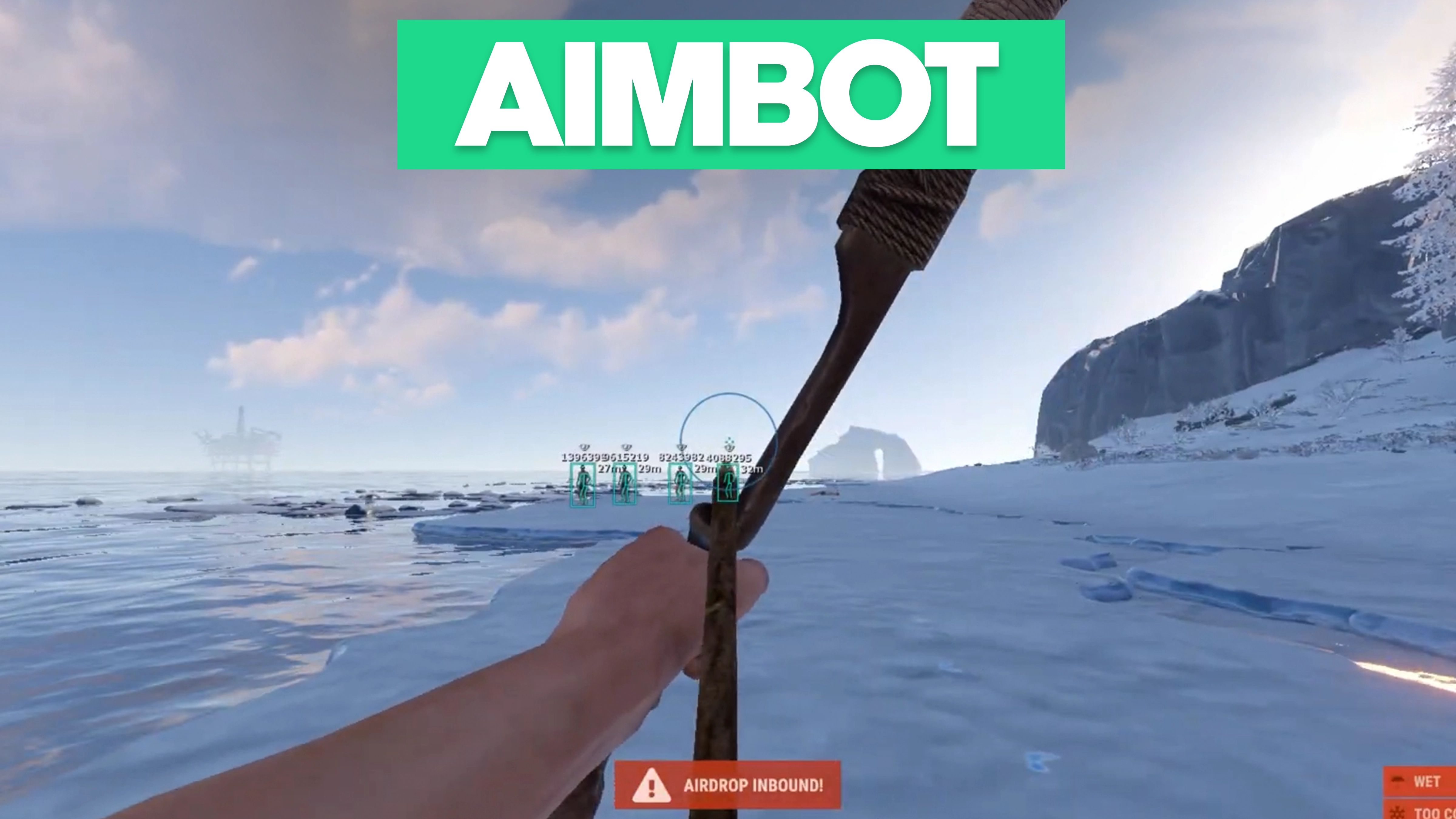
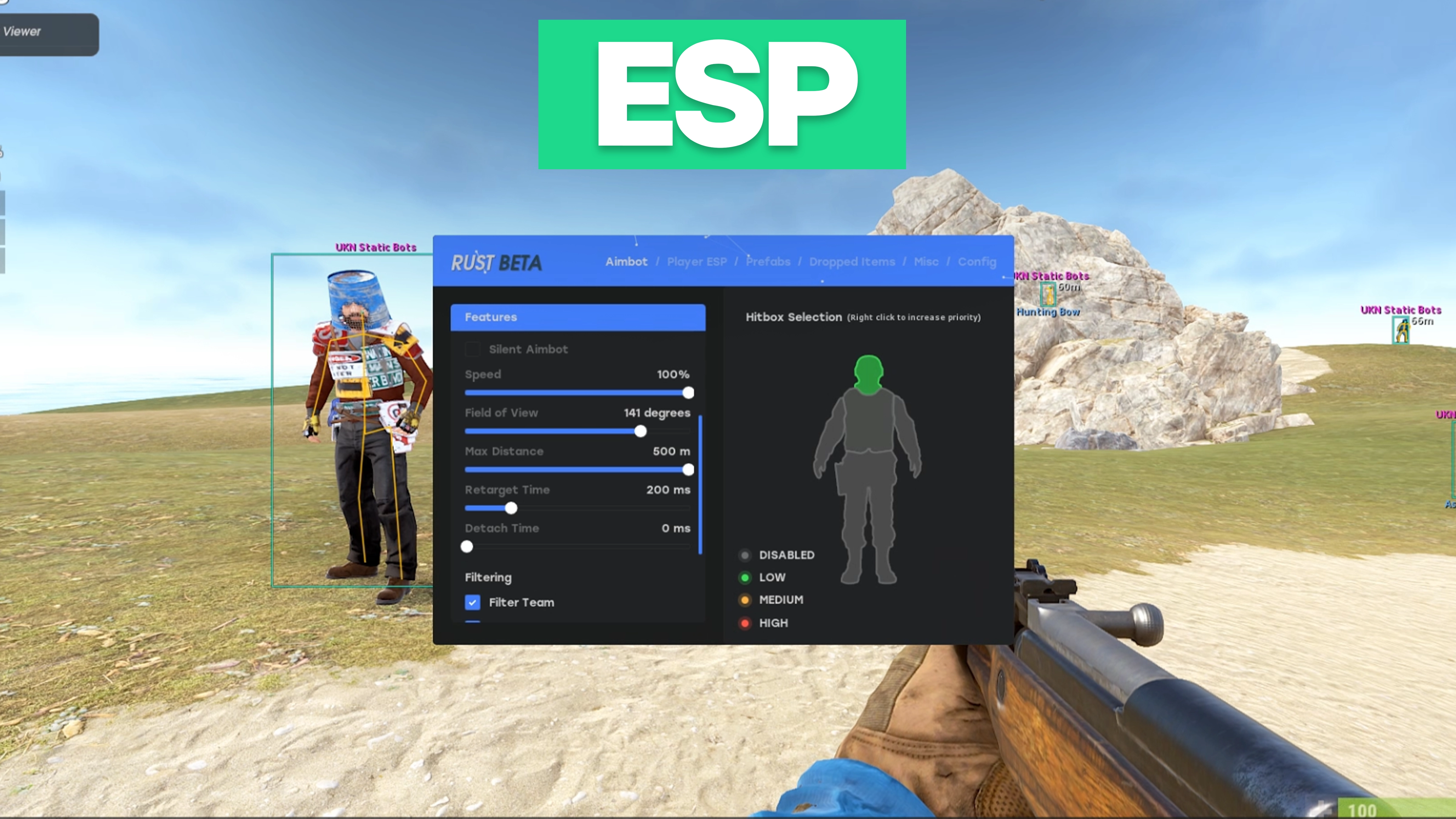
Aimbot
Per-weapon aimbot with hitbox control.
- Pistol profile
- Rifle profile
- Sniper profile
- Shotgun profile
- SMG profile
- Other weapon profiles
- Aimbot enable
- Silent aimbot
- Aimbot speed
- Field of view control
- Maximum distance
- Retarget time
- Detach time
- Filter teammates
- Filter bots
- Filter invisible targets
- Filter knocked targets
- Draw aimbot FOV
- Hitbox selection per category
-
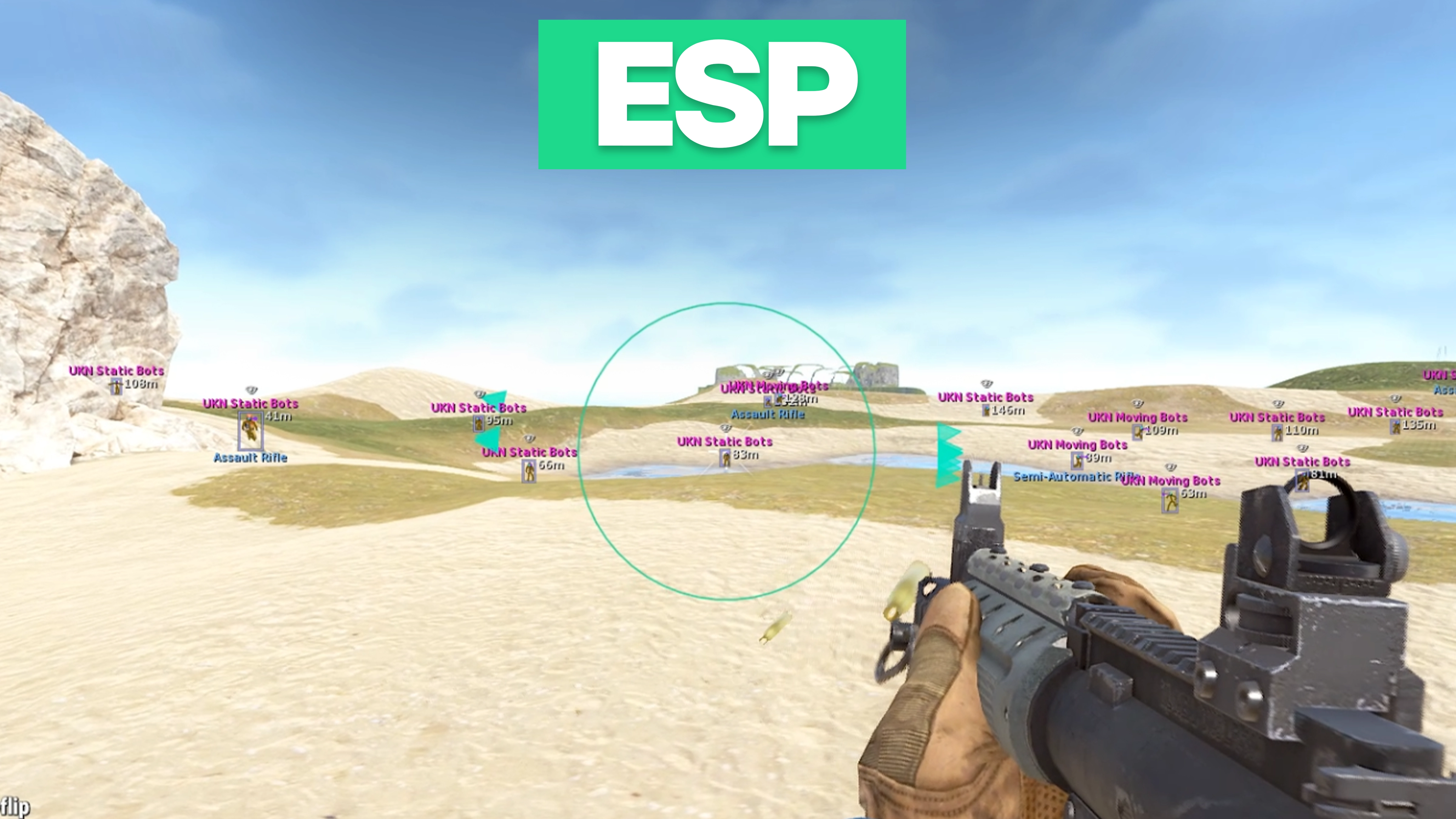
ESP
Player visuals with draggable layout.
- Enemy ESP
- Team ESP
- Bot ESP
- Sleeper ESP
- Max draw distance
- Player box
- Head dot
- View angles
- Skeleton ESP
- Out of FOV arrows
- Weapon display
- Distance display
- Player name
- Visibility indicator
- Team index display
- Draggable ESP layout
-
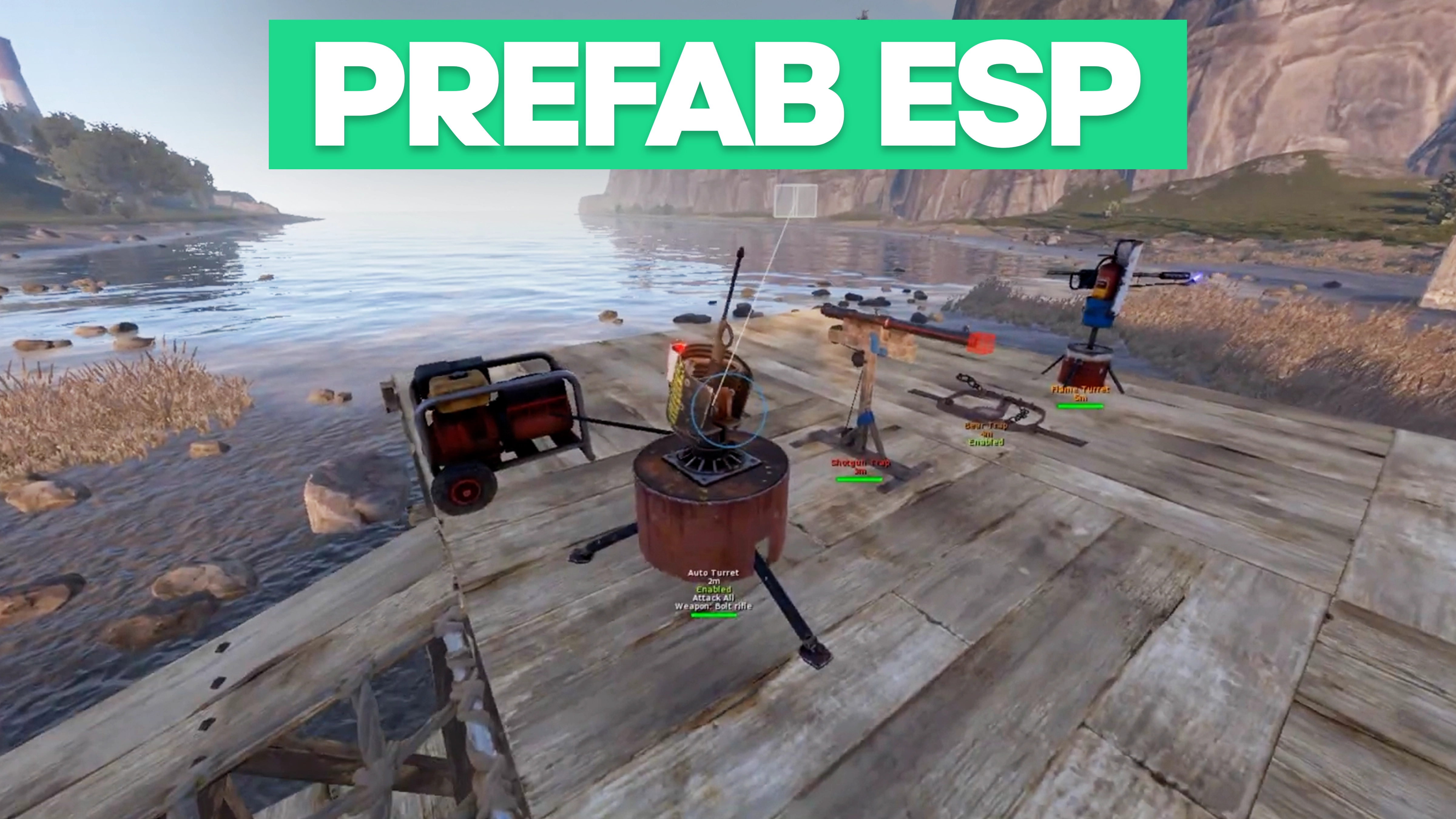
Prefabs ESP
Category-based prefab ESP management.
- Hostiles category
- Traps category
- Crates category
- Farmables category
- Corpses category
- Construction category
- Vehicles category
- Monuments category
- Current category selection
- Enable all (Current category)
- Disable all (Current category)
- Enable all (Global)
- Disable all (Global)
- Prefab search filter
- Max distance per category
- Individual prefab toggles
- Per-prefab color picker
- Automatic long-name truncation
-
Dropped Items ESP
Item ESP by category and search.
- Ammunition category
- Equipment category
- Weapons category
- Constructions category
- Resources category
- Clothes category
- Food category
- Meds category
- Traps category
- Misc category
- Components category
- Electrical category
- Fun category
- Current category selection
- Enable all (Current category)
- Disable all (Current category)
- Enable all (Global)
- Disable all (Global)
- Item search filter
- Max distance per category
- Individual item toggles
- Per-item color picker
- Automatic long-name truncation
-
Misc
Weapon, movement, and world utilities.
- Instant Eoka
- Instant bow
- Instant compound
- Thick bullet
- Head hitbox override
- Material override
- No recoil percentage
- No sway percentage
- No spread percentage
- Fire rate percentage
- No slow down
- Long hit
- Spiderman (Keybind)
- Omni sprint (Keybind)
- Debug camera (Keybind)
- Shoot mounted (Keybind)
- Jump shoot (Keybind)
- Flyhack (Keybind)
- Farm assist
- Fast loot
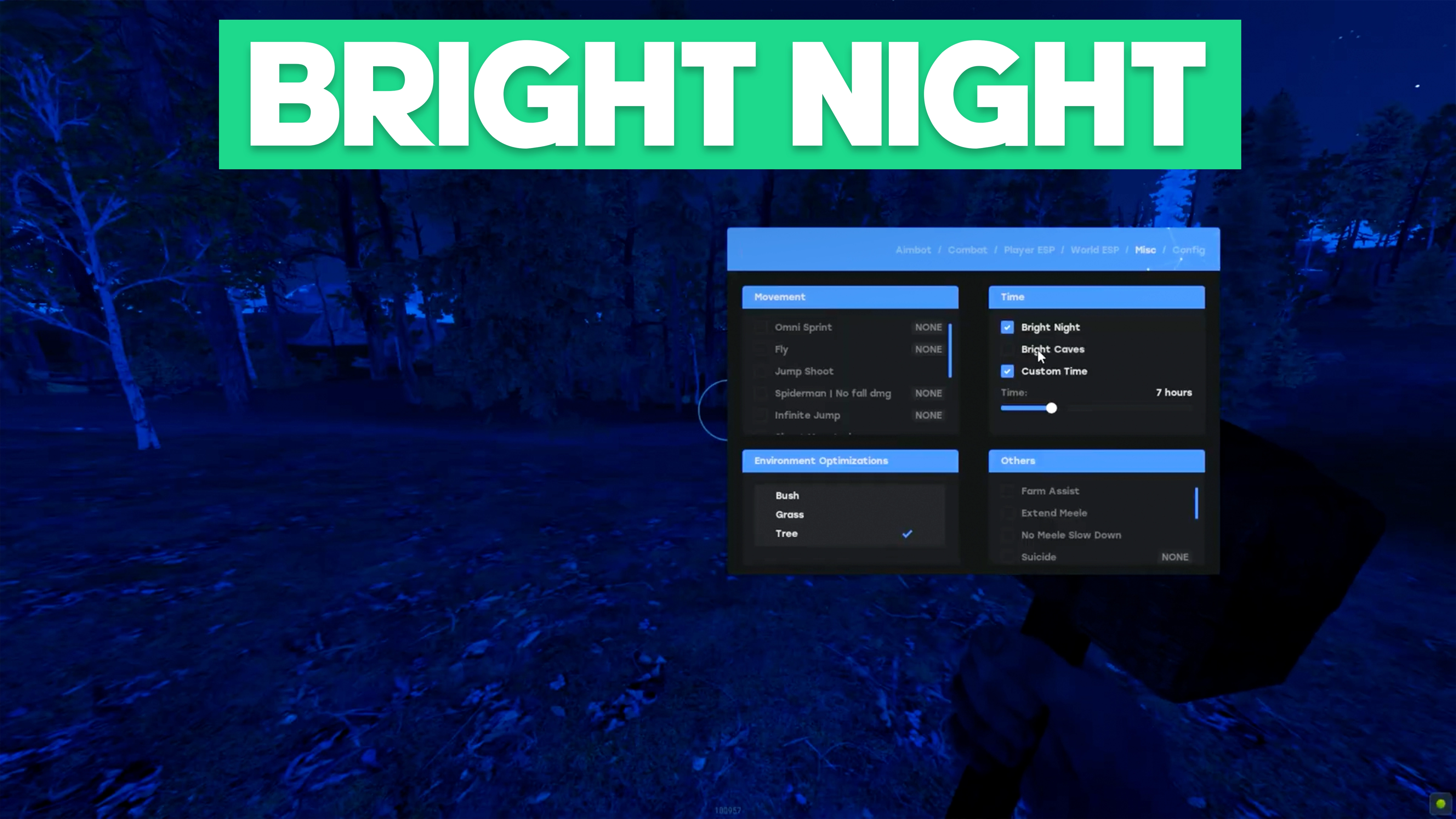
- Bright caves
- Bright night
- X-ray (Keybind)
- Zoom (Keybind)
- Zoom FOV control
- Layer removal options
-
Config
Profiles, overlays, and mode toggles.
- Config name input
- Add configuration
- Configuration list
- Load configuration
- Save configuration
- Delete configuration
- Clear configuration
- Overlay FPS control
- Developer mode
- Combat mode toggle
- Combat mode keybind option
-
-
-
Are Arctic Cheats undetectable?
Our cheats are built with the latest security measures to stay ahead of anti-cheat systems. We continuously update our software to minimize detection risks, giving you the safest experience possible. Additionally, we provide helpful resources and guides in our forums to help you cheat responsibly and remain undetected while playing.
-
What's the difference between cheats?
The difference comes down to the game supported, included features, and customization. Some cheats include advanced visuals or extra aimbot features, while others are optimized for maximum stealth. Full comparisons are available on each product’s page.
-
Where can I get customer support?
We understand that issues can arise at any time, which is why our dedicated support team is available 24/7 to assist you. Whether you need help with installation, troubleshooting, or just have questions about our products, you can reach us anytime through our Support Page. Our team is always ready to provide fast and reliable assistance.
-
How do I purchase and get instant access?
Buying our cheats is quick and hassle-free. Simply select your desired package, complete the payment, and within seconds, your access key will be delivered instantly. You can find it under the "My Keys" tab in your account, or check your email for confirmation. No waiting, no delays—just instant access to premium cheats so you can dominate the game right away.
-