

Getting unbanned from a hardware ban is easier than most people think, and it needs exactly one tool: an HWID spoofer. This walks through the whole process, from picking the right spoofer to confirming your serials actually changed. It applies to Arc Raiders, Fortnite, Valorant, Rust and essentially any other game that bans hardware rather than just accounts. One thing before you start: follow every step, including the ones in the spoofer's own setup guide. Most failed spoofs are skipped steps, not broken software.
Step one: pick your spoofer
Head to the HWID spoofers page and you will find two options. Check the product page for CPU support (Intel and AMD), Windows version support (10 and 11) and whether the spoof is temporary or permanent, because that choice matters later. The page also lists exactly which components get spoofed, and the two worth paying attention to are the TPM bypass and the MAC address changer, since those are the ones several modern anti-cheats lean on hardest.
Keys run from one day to lifetime, so if this is a one-off fix rather than an ongoing thing, a short key does the job. Delivery is instant once payment clears.
Step two: prepare Windows before you spoof
This is where most people go wrong. Open Windows Security and turn off real-time protection, tamper protection, dev drive protection and controlled folder access. A spoofer works at driver level, which is exactly the behaviour antivirus is built to interrupt, so leaving these on means the spoof fails or half-completes.
You will also want a tool to disable driver signature enforcement, linked from our setup guide, and an archive tool to unpack the download. Follow the guide's steps here rather than guessing; they exist because each one is load-bearing.
One more thing worth doing: remove other anti-cheats before you spoof, particularly FACEIT and Vanguard. They run at the same level as the spoofer and will conflict with it.
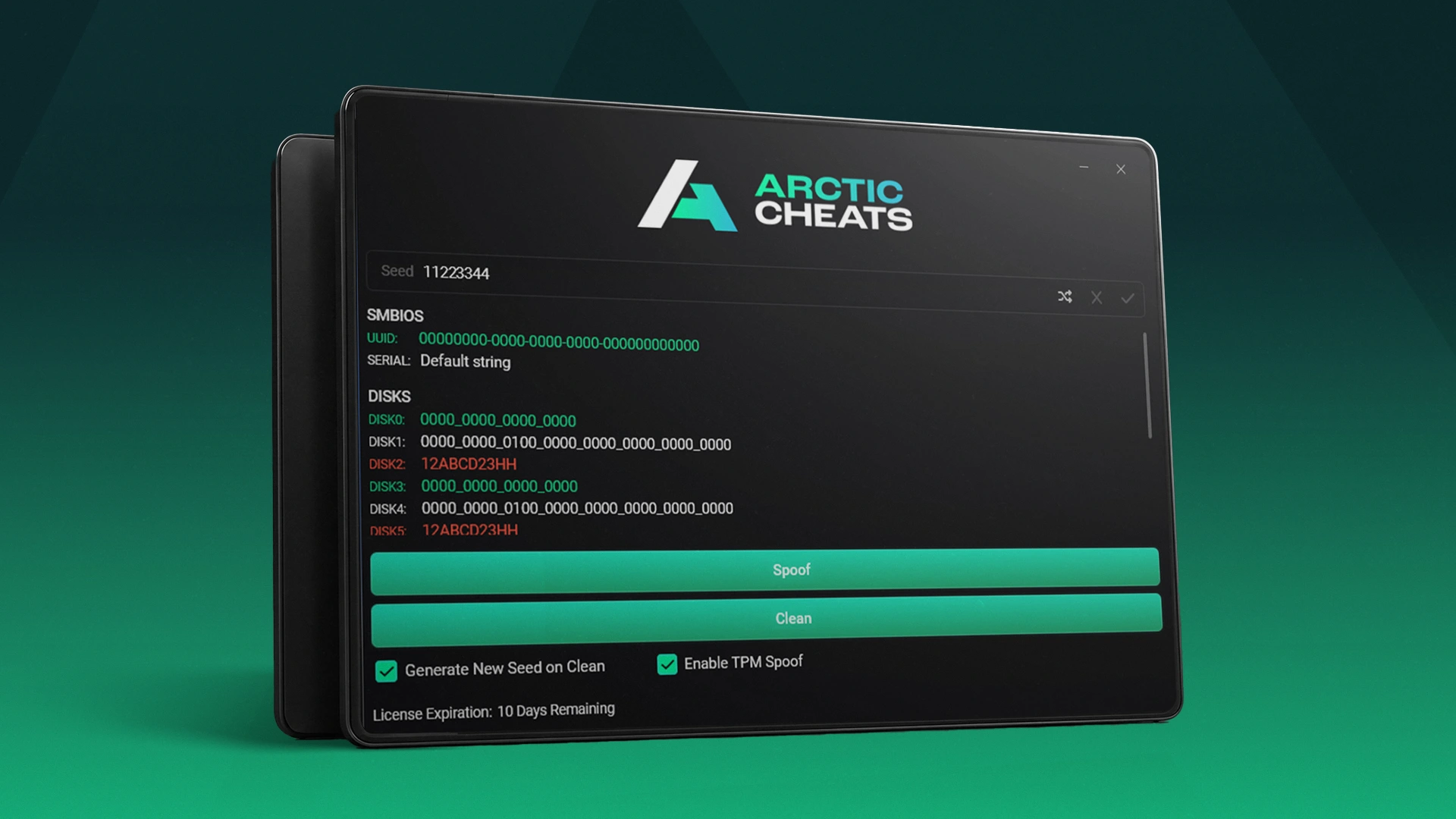
Step three: run the spoof
Download the loader and open it. The home screen lists the anti-cheats it handles, and there is a cleaner tab with per-game cleaners. Worth knowing: the spoofer and the cleaners are universal, so a key bought to fix one game unbans you across every game listed, not just the one you came for.
The serials tab is where you confirm it worked. Before spoofing it shows your real serial numbers; after spoofing it shows old values beside new ones, highlighted where they changed. Click continue, and the tool sets up its environment and runs through each component in turn, telling you what it is spoofing as it goes. It takes two to three minutes.
Step four: check the result properly
When it finishes, compare the two columns. Some components change completely, RAM serials and TPM being the usual examples. Others only change a few characters. That is normal and it is enough: as long as a serial differs from what was blacklisted, the fingerprint no longer matches. What you do not want to see is a component that came back identical, which usually means an antivirus setting was still on or a prerequisite step was missed.
What temporary spoofing means for you
With a temporary spoofer, restarting your PC restores your original serial numbers. That is a feature. Your machine goes back to factory identity when you are done, so you can sell or repurpose it later without carrying a modified fingerprint, and you are only spoofed while you are actually playing. The trade-off is that you re-run the spoof each session. If you would rather set it once, Verse is our permanent option; Trace 2.0 is the temporary one described here.
Frequently asked questions
Do I need a new spoofer for each game?
No. The spoofer and its cleaners work across every supported game, so one key covers Arc Raiders, Fortnite, Rust and the rest of the list.
My serials only changed by a few characters. Did it work?
Yes. A partial change is still a different serial, and a different serial no longer matches the blacklisted fingerprint.
Do I have to leave my antivirus off?
Only for the spoofing process, as described in the setup guide. If a step fails, an antivirus setting still being enabled is the first thing to check.
Prefer to watch: this guide is also on our YouTube channel.







