

We sell two HWID spoofers and the difference between them is one decision: do you want your real hardware serials back when you restart the PC, or not? Everything else follows from that. Here is what each one does, what Trace actually spoofs, and which situation each suits.
The core difference
Trace 2.0 is temporary. It changes your serials for the current session, and restarting the machine puts the originals back. That sounds like a limitation and mostly is not. Nothing about your hardware is permanently altered, so you can sell or repurpose the PC later without a modified fingerprint following it around, and you are only spoofed while you are actually playing. The trade is that you re-run it each session. Spoof, then launch the game, in that order.
Verse is permanent. Set it once and the change persists across restarts. Fewer steps every session, at the cost of the machine no longer reporting its factory identity.
For most people Trace is the right answer, and for anyone who plays daily and finds the extra step irritating, Verse is worth the difference.
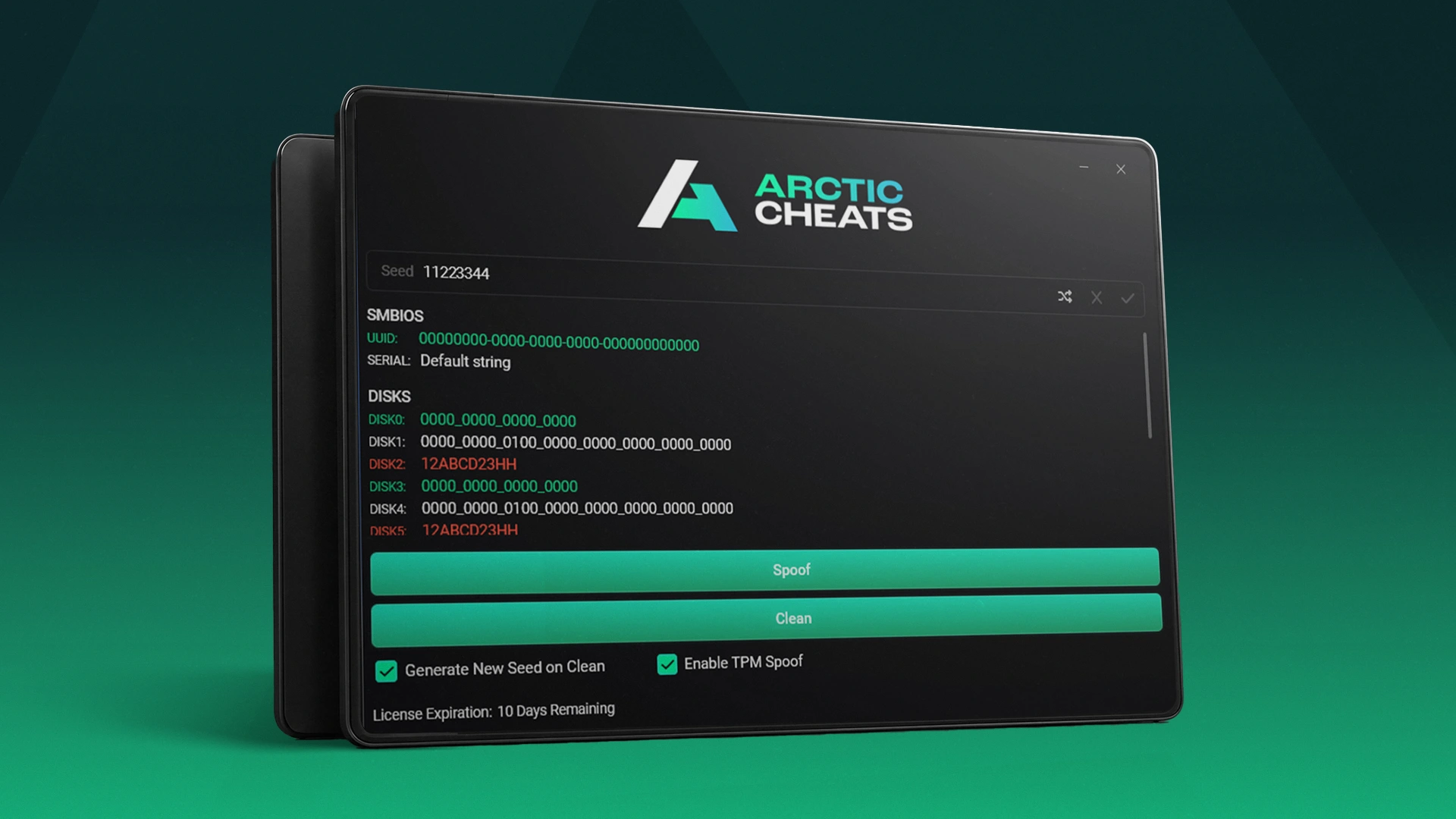
What Trace actually changes
Plenty of spoofers handle the obvious components and stop there, which is why people spoof successfully and still get flagged. Trace covers the full set:
- Disk serials
- RAM serials
- Monitor serials
- Network adapters and your MAC address
- Registry values
- GPU
- Motherboard
- TPM
The two that matter most are TPM and MAC address, and they are the two a lot of cheaper spoofers cannot touch. Anti-cheats lean on both heavily, so a tool that skips them is not really solving the problem. The reason monitor and USB serials are on the list at all is that modern anti-cheats will read essentially anything with a number on it.
Per-anti-cheat profiles, not one generic mode
Trace ships a separate spoof profile for each major anti-cheat: Easy Anti-Cheat for Fortnite, Rust and Arc Raiders, BattlEye, Ricochet for Call of Duty, FiveGuard for FiveM, EA's anti-cheat for Battlefield, and Anti-Cheat Expert for NetEase titles. You pick the one matching the game that banned you rather than hoping a single mode covers everything.
Inside a profile you can also toggle individual components on and off. For an Easy Anti-Cheat game, leaving TPM, GPU, EFI, disks and licence enabled covers it. Leaving everything on is fine too and is what we would do unless you have a reason not to.
There are also per-game cleaners that strip ban traces the game left behind. Serials are what the anti-cheat reads from your hardware; cleaners handle what it left on your system. Skipping them is a common reason a good spoof is followed by a quick re-ban.
Setup, and the step that is not optional
You have to turn off real-time protection in Windows Security before downloading, or the download itself will not complete. That one is non-negotiable; a driver-level tool is exactly what antivirus exists to interrupt.
Beyond that, some machines need more and some do not, and it depends on your motherboard rather than anything you did wrong. If the spoof fails, the things to try are fully disabling antivirus with the tool linked in the setup guide, and disabling TPM, secure boot and fast boot in BIOS. Plenty of people never need either. What everyone should do is uninstall FACEIT and Vanguard first, since both run at the same level and will conflict.
After spoofing, the loader shows your serials before and after with every change highlighted, so you can confirm it worked rather than guessing. Some machines need a restart to finish, some do not.
Knowing whether it is working
The loader reports each profile's state, including when something is mid-update. That matters more than it sounds: spoofers are in a constant back-and-forth with anti-cheat updates, and a tool that tells you it is currently updating is a tool being maintained. There is also a built-in ticket system if a spoof does not go cleanly, which is the fastest route to a fix.
Which to buy
Get Trace 2.0 if you want your machine back to factory identity on every restart, which suits most people and anyone who might sell the PC. Get Verse if you play constantly and want it set once. Both are on the HWID spoofers page, and current status for each is on the live status board. Short keys exist if you want to test before committing.
If you are not certain you need a spoofer at all, which games ban your hardware covers how to tell, and how to fix a HWID ban is the click-by-click walkthrough.
Frequently asked questions
Is temporary spoofing worse than permanent?
No, just different. Temporary means an extra step each session and a machine that reports its real identity the rest of the time. Permanent means fewer steps and a change that sticks.
Why do TPM and MAC address matter so much?
Because anti-cheats weight them heavily and many cheaper spoofers cannot change them. A tool that skips those two is not really addressing the fingerprint.
Do I need to disable secure boot?
Often not. It depends on your motherboard. Try without first, and only work through the BIOS steps if the spoof does not complete.
Prefer to watch: the full Trace showcase is on our YouTube channel.







