

Setting up an Arc Raiders cheat is simpler than most people expect, but there are two or three steps where it goes wrong for beginners and they are always the same ones. This walks through the whole process using Frost, from Windows preparation to the in-game menu, plus what the settings actually do once you are in a raid.
Prepare Windows first
Do this before you download anything. Open Windows Security, go to virus and threat protection, then manage settings, and turn off real-time protection, dev drive protection, tamper protection and controlled folder access.
Worth understanding why, rather than just clicking through it. Cheats work by altering game memory, and aim features emulate mouse input. Both are exactly the behaviour antivirus software is designed to interrupt, so it flags them regardless of whether the file is safe. Leaving these settings on is the single most common reason a loader refuses to run.
Download and run the loader
Download the loader from the link on your order. Browsers frequently object here for the same reason antivirus does, so if the download is blocked, use the three-dot menu on the download and choose keep, then keep anyway. On the SmartScreen prompt, choose more info and then run anyway. The exact wording varies by browser but the pattern is the same.
Run the loader and paste in the license key from your order, then log in. Frost is one of the easier ones to install; some cheats require a full reboot, whereas here you open the file, wait for the beep, launch the game and you are running.
What the loader shows you
Once you are in, the loader lists every game you hold a key for, your remaining subscription time and the date of the last update for the cheat. That last one is genuinely useful: an actively updated cheat is the difference between undetected and detected, so it is worth glancing at before every session, alongside the live Frost status page.
Hit load module, wait for the beep, then launch Arc Raiders. Press insert in game and the menu opens.
The settings that matter
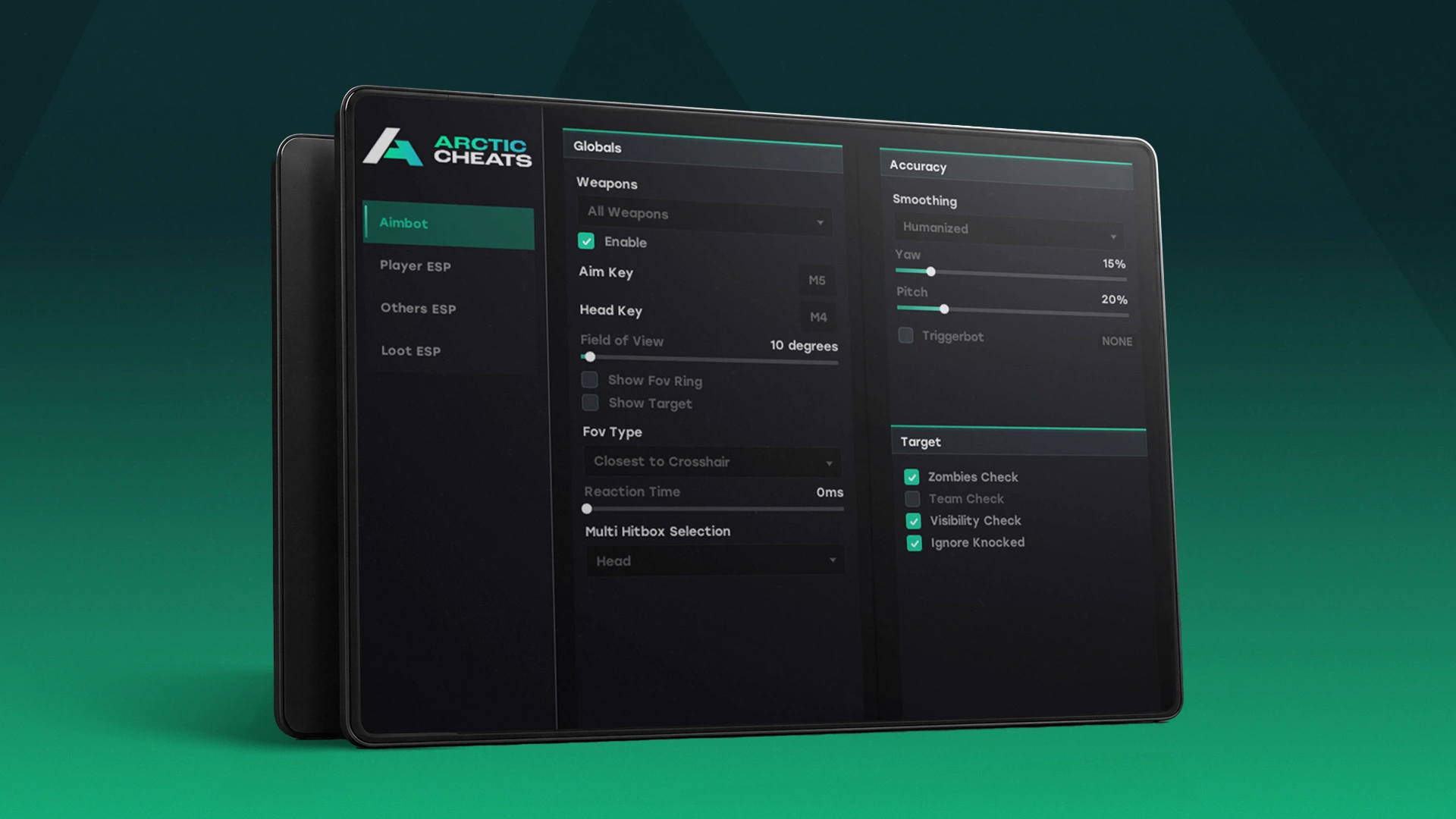
The menu splits into aimbot, ESP and config. On the aimbot side you have targeting, speed, hitbox selection with adjustable priority, and a triggerbot you can bind to a mouse button. The overlay also has an FPS counter, which is more useful than it sounds when you are checking whether the cheat is costing you frames.
Before you touch aimbot, though, read our guide on how long accounts survive in this game. Arc Raiders analyses aim behaviour specifically, so aim features carry more risk here than in most games. Plenty of experienced players run this cheat as ESP only and get most of the value.
The ESP is where Frost is strongest: stable, clean, fully colour-customisable, with separate settings for enemies, teammates and bots. World ESP covering loot, containers and extraction points is the safest thing on the menu, since none of it relates to other players at all. Save your setup from the config tab so it loads automatically next time.
One thing to know about recording
Frost is stream proof, which means standard capture software cannot see the overlay. If you want to record your own gameplay with the ESP visible, you need something that captures at a different layer, such as ShadowPlay. If you are trying to keep it invisible to viewers, that behaviour is doing you a favour.
Which Arc Raiders cheat you are setting up
This process is identical across our lineup. Frost is the flagship and the only Arc Raiders cheat we sell with a lifetime option. Frost LITE is ESP and radar with no aim features, and Hydra adds extras like ARC teleport and freecam. All three are on the Arc Raiders cheats page. If you get stuck at any step, support will walk you through it.
Not sure which Arc Raiders cheat this applies to? Our guide to the best Arc Raiders cheats compares the lineup and says who each one is for.
Frequently asked questions
Why do I have to disable antivirus?
Because cheats alter game memory and emulate mouse input, which is the same behaviour antivirus is built to stop. It is a false positive, but it will block the loader until those settings are off.
My browser blocked the download. Is that normal?
Yes, and for the same reason. Use the keep and run anyway options described above.
How long does setup take?
A few minutes on your first attempt, mostly spent on the Windows settings. After that it is open the loader, load the module, launch the game.
Prefer to watch: this guide is also on our YouTube channel.







